
The little green light on the router blinks out first. A half-second later the ceiling fan slows, the desk lamp dies, and your laptop drops to battery without asking. On the call, the client keeps talking for three or four seconds before your face freezes on their screen. Now you have maybe an hour of battery, a phone in your pocket, and about ten seconds to decide whether this meeting survives.
That is an ordinary weekday if you work from Rote. The pillar on living and working remotely from Rote already tells you the honest headline: the power here is fine most of the time and fails exactly when you have not built for it. What follows is the mechanical part. How often it happens, what dies and in what order, how you hold a live call through it, and which days you should stop pretending you can take one.
How Often the Power Actually Goes Out Here
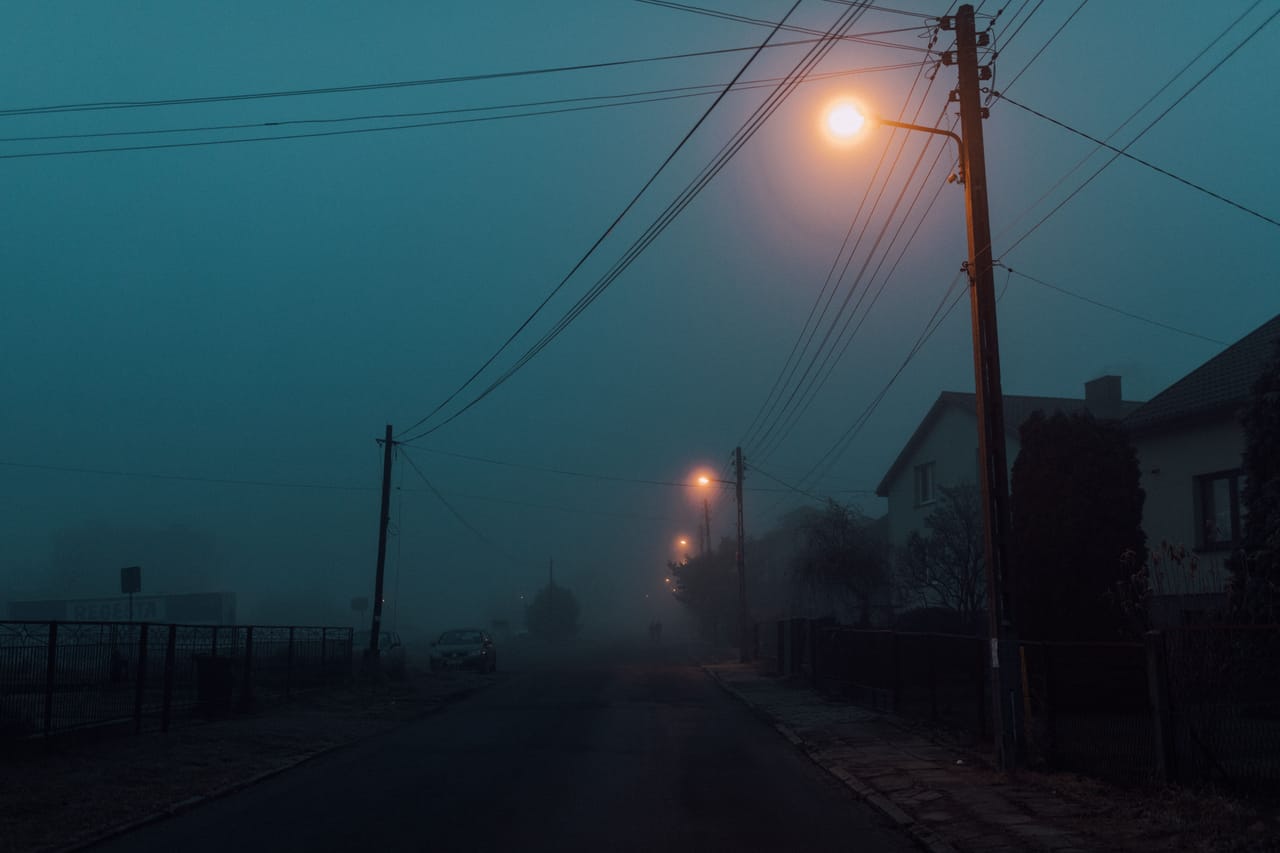
There is no public outage tracker for Rote the way there is for a mid-sized city, so anyone who quotes you a precise “three cuts a week” number is guessing. What I can tell you from living here and paying the electricity bill is the shape of it. Long calm stretches where nothing happens for days, then a run of cuts clustered around bad weather. The wet season is when it bites. Wind through the lines, rain, the odd afternoon where the power drops, comes back, and drops again inside the hour.
To understand why this matters more here than it would back home, it helps to look at a place that has been measured properly. A US study called PowerPing tracked outages across the country for fourteen months, from June 2020 to July 2021, and logged around 330,000 of them. More than 14,000 of those knocked out over ten percent of a county’s customers, which worked out to roughly fifty large events a day, with a typical outage hitting about 3,000 customers and power restored in just under two hours.1
The number that should stick with you is not the frequency. It is what the same study found about your internet. Big providers keep their exchange points and data centres running through a cut with diesel generators and UPS units, but ordinary homes and small offices usually have none of that. So when the power went, home connectivity went with it, and reachability came back on almost exactly the same curve as the electricity, with the two tracking each other so closely across the whole dataset that the correlation was near perfect.1 Rote does not have the buffered, built-out grid that study measured. So take the lesson and skip the comforting parts: when your power dies, your connection dies at the same instant, and it stays dead until the grid returns.
What Dies, and in What Order

Watch a cut happen a few times and the sequence becomes predictable. Knowing the order is what lets you react in the right seconds instead of staring at a black screen.
The grid drops. Instantly your wifi router loses power, because it runs straight off the wall with nothing in between. Your home internet is gone at that exact moment, not a minute later. If you have a satellite dish on the roof, that dies too, since it is just another appliance drawing from the same dead socket. Your laptop keeps going on its battery, which is now the only thing standing between you and a hard stop. Your phone is still alive and still has a mobile signal, because the cell tower down the road is running on its own backup for now.
So within one second of a cut you have lost the two things plugged into the wall and kept the two things that carry their own power. That is the whole game. Everything you build to survive a working day here is about widening that gap, keeping the battery-powered things useful for longer and getting them talking to each other before the grid comes back.
Can you keep a video call alive through a cut?
Yes, often, if the pieces are already in place and you move in the first ten seconds. You cannot improvise this while a client watches your frozen face, so the honest answer is that the call survives only if you set it up on a calm morning weeks earlier.
Here is the chain, in the order you use it. Your laptop is already on battery the instant the power goes, so nothing to do there except keep the lid open. Next you kill the dead wifi and switch the laptop over to your phone’s hotspot, which is running on mobile data through a tower that has not lost signal. Which carrier to run, what coverage looks like street by street, and how a foreigner registers a SIM is its own separate question worth getting right before you arrive. For the call in progress, all that matters is that the phone is charged and the hotspot is one tap away.
Drop your video off. Voice-only sips a fraction of the data and holds up on a weak signal far better than a video stream that stutters and drops. Tell the other person you have lost power and you are switching to phone, in one sentence, then keep talking. Most people on the other end will not even register the ten-second gap. What loses the meeting is not the cut. It is the silent scramble while you plug and unplug cables with the camera still on you.
The Days You Just Don’t Take the Call
Some days you should look at the sky, read the weather, and simply not schedule anything you cannot afford to lose. This is the part nobody selling you the island will say out loud.
When the wet season sets in and a storm front is sitting over Rote, the odds of a cut during any given hour climb, and worse, the odds of a repeat cut climb with them. You can hold one call through one outage. Holding a two-hour workshop through three separate cuts, each one dropping your hotspot mid-sentence, is a different and losing proposition. On those days you move the hard commitments. Push the board presentation to the morning, when cuts are less common in my experience, or to a settled day later in the week. Keep the stormy afternoon for solo work you can pick up and drop.
This is also where working across European and US time zones quietly helps you. Your critical live hours with a European or American team already sit in a narrow window. If you know your grid is shakiest on wet afternoons, and your unmissable calls fall in your morning or late evening anyway, you can arrange your week so the two rarely collide. That is not luck. That is scheduling around a known pattern, which is the only real defence you have.
Build the Setup Before You Need It
Treat this like a small business continuity plan, because that is exactly what it is. The discipline that large organisations use to survive disasters scales down cleanly to one person with a laptop: identify the hazard, decide which functions are genuinely critical, and write down the steps in advance so you are following a checklist instead of panicking.2 The whole point of a plan is that the thinking is done before the lights go out, not during.
Start with the cheap layers, because they buy you the most time for the least money. A laptop kept above eighty percent through the working day means a cut costs you connection, not the machine. A charged power bank keeps your phone alive so your hotspot never dies under you, which matters because the phone is your last line. Above that sits a small UPS, a battery box that sits between the wall and your router or satellite dish and keeps them running for the first minutes of a cut. That is the difference between your home internet vanishing instantly and it riding out the short outages that end before the UPS drains.
There is a ceiling to this article, and it is right here. Once you are talking about panels on the roof, a battery bank sized to run the house for hours, and whether the investment pays back, you have crossed into solar power and batteries, which is a whole planning exercise of its own. The same goes for a rooftop dish. Starlink is excellent when the power is on, and it is worthless the second the grid drops unless you have put it behind that UPS or a battery, because it is just one more thing plugged into a dead wall. Treat it as a load that switches off with everything else, and protect it accordingly.
Get the order right and the whole thing stops feeling fragile. Laptop battery for the machine, phone and power bank for the connection, UPS for the router or dish, and a plan on paper for which calls you will fight to keep and which you will move. Do that, and a cut on a wet Tuesday becomes a ten-second adjustment nobody on the call notices, instead of the reason you lost the client.
Sources
Footnotes
-
powerping: measuring the impact of power outages on … pages.cs.wisc.edu ↩ ↩2
-
Business Continuity Planning: Increasing Workplace Resilience to Disasters. play.google.com ↩