
The speed test read 68 Mbps down. Forty minutes later, at eight in the evening, the same line dropped my client off a call twice inside ten minutes. Both numbers are real, and the distance between them is the entire question of whether your job survives out here.
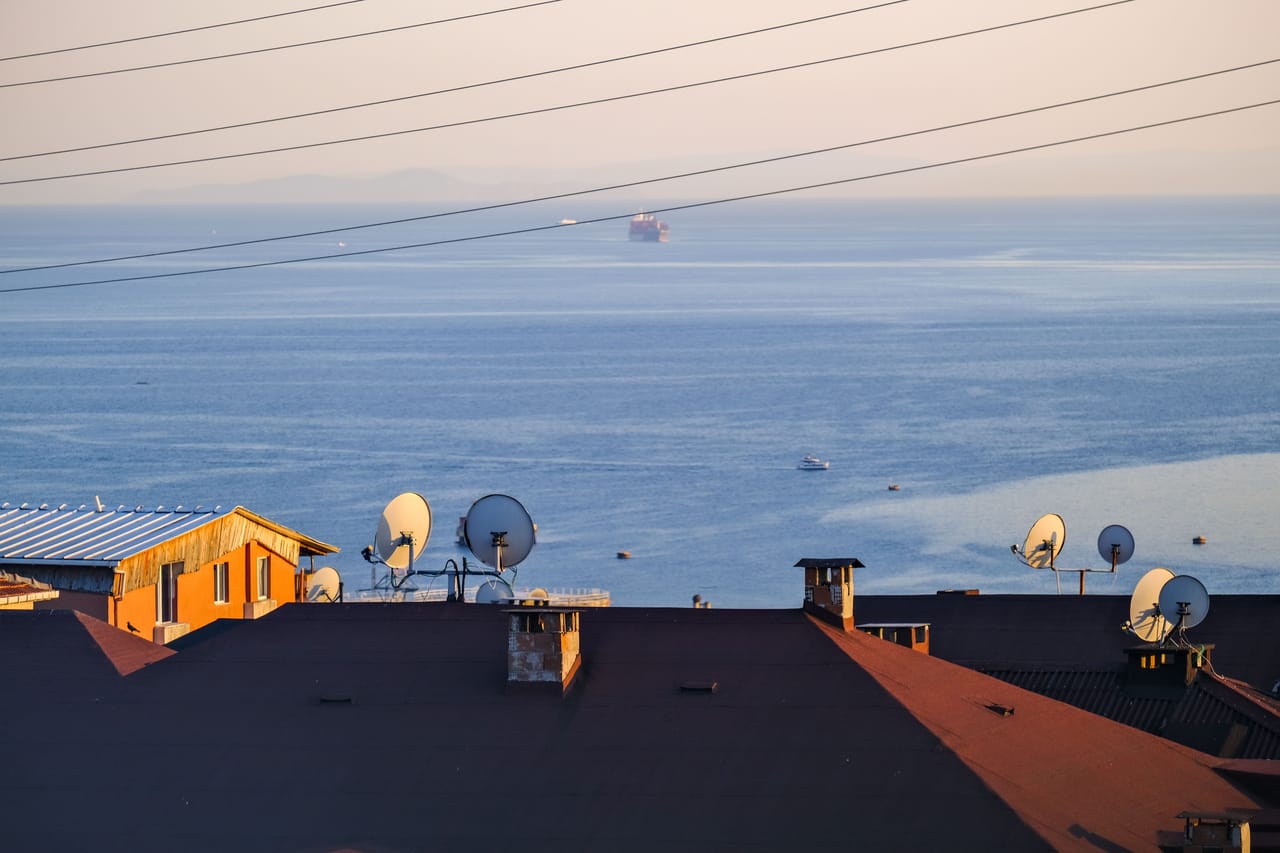
If you are weighing a move to Rote and your income depends on a stable connection, national averages and the “Indonesia internet speed” figures you find online will not help you. Rote sits at the far southern edge of the country, in East Nusa Tenggara, roughly at 10.7 degrees south, closer to the Australian coast than to Bali, a 1,227 square kilometre island of grassland and palms.12 Your bandwidth here does not come down a cable. It rides on satellites and mobile towers, and both answer to the weather and to the time of day. That is why a headline speed means almost nothing until you know when and where it was taken.
What speed do you actually get on Rote?

On a Starlink line at an accommodation or café set up for it, plan on roughly 50 to 75 Mbps download, with enough upload for HD video calls and moving large files. On 4G from Telkomsel or XL, expect 5 to 20 Mbps on a clear day, which is fine for messaging, mail and maps, and unreliable for live calls. Those two ranges are the working ceiling for internet for remote work on this island, and everything below is about hitting the top of them instead of the bottom.
Here is what I actually see, point by point, once you throw out the flattering readings and the ones taken at the wrong hour.
| Where the reading was taken | Download | Upload | When it holds up |
|---|---|---|---|
| Starlink, accommodation or café near Nemberala | 50 to 75 Mbps | steady, HD calls and uploads | early morning, dry season |
| 4G hotspot (Telkomsel or XL) | 5 to 20 Mbps | usable as a backup call | midday, off the evening peak |
| Any line, local evening peak | falls noticeably | first thing to break | not for anything that matters |
The Nemberala readings are the ones most people care about, since that is where most long-stayers end up, and “wifi Nemberala” is usually the first thing they type into a search bar. The honest version: the good Starlink spots there clear 50 Mbps comfortably, and the wifi at a random guesthouse without satellite does not.
Why calls stutter when the speed test looks fine
A speed test measures how much data the line can move. A video call cares about something the test barely touches, which is timing. Every packet of your voice needs to arrive at a steady rhythm. When that rhythm wobbles, you get jitter, and jitter is what turns your voice into a robot and freezes the other person mid-sentence while your download graph still reads a healthy number.
On a satellite link, jitter climbs when a lot of people in the area are online at once and when rain is passing overhead. That is why the 68 Mbps reading and the frozen eight o’clock call can both be true on the same day. The line has the capacity. It has lost the steadiness. If your work is mostly calls, watch your ping and jitter, not just the megabits, and treat any evening reading with suspicion. A “starlink speed Indonesia” screenshot taken at noon tells you nothing about your 9pm standup with a team in Europe.
The reason that evening peak lands where it does is worth one sentence. Rote runs on UTC+8, so local prime-time congestion, when everyone here is streaming after dinner, falls squarely inside the afternoon and evening working window for anyone coordinating with the US or Europe.
Working around the island’s wet season
The single biggest thing nobody tells you about satellite internet on Rote is that it has a calendar. The island runs on a tropical savanna climate, fed by dry winds off mainland Australia, and the rain is heavily seasonal. Somewhere between 80 and 95 percent of the yearly total falls in the wet west monsoon, mostly from November to March, and there is little or no rain between July and October, on an annual mean of about 1,200 to 1,300 mm.2
That split runs your schedule whether you plan for it or not. In the dry months the sky over the dish stays clear for weeks, and your morning uploads go out clean. In the wet season a heavy squall can knock your download in half for the twenty minutes it sits overhead, then hand it back once the cell passes. So you learn to move your heaviest transfers, the big video export, the full-project backup, to the calm early hours, and in the wet months you push them into the gaps between downpours rather than fighting the sky in the middle of one. This is the same lesson the pillar on living and working remotely from Rote puts more plainly: know your real ceiling and the hours it holds, and build the day around it.
How I measured this, and what would have faked the numbers
None of the readings above were taken during a power cut. That sounds obvious until you have done it by accident. When the grid drops and the router is running on a fading battery, a slow result is measuring your backup power, not your connection, and it will lie to you in both directions. I threw out every reading that overlapped an outage, and if you are testing lines yourself while you scout the island, you should too. The frequency of those cuts and how you ride them out is its own subject, covered under power cuts and backup internet, and it is the thing that quietly ruins more remote-work days here than raw speed ever does.
The rest of the method is boring on purpose. Same app, multiple runs per spot, morning and evening, dry days and wet, at real desks where people sit and work rather than standing next to the dish for the best possible number. A single flattering reading is easy to get. A number you can build a workday around takes a week of them.
The setup that holds: Starlink first, a SIM behind it
The arrangement that works for serious remote work here is two layers running together. Starlink is the primary line, and it is the one that gives you the 50 to 75 Mbps and the upload headroom for calls. Behind it you keep a mobile data SIM as a genuine failover, so that when the satellite line hiccups in a squall or the power to the router blips, you flip to 4G and stay on the call. The one-tap switch from a dying line to a hotspot has saved more of my meetings than any speed upgrade.
Where you plant yourself matters as much as the hardware. Two accommodations a few hundred metres apart can sit on completely different lines, which is why where you set up your desk is a bandwidth decision as much as a comfort one. Ask what the connection actually is before you book a long stay, and if you can, run a test at the hour you plan to work, not at checkout.
Frequently asked questions
Is the internet on Rote fast enough for video calls? Yes, on a Starlink line at a spot set up for it, with 50 to 75 Mbps down and steady upload. The catch is timing rather than speed. Local evening congestion and passing rain cause jitter that freezes calls even when the megabit count looks healthy, so book your critical calls for the calmer morning hours.
Does the rain really cut the connection? A heavy squall can drop a satellite line for the minutes it sits overhead, then return it once the cell moves on. This matters most from November to March, the wet west monsoon, when the bulk of the year’s rain arrives, and barely at all from July to October, when the sky stays clear.2
What upload speed can I get for large files? Enough on Starlink to move a big video export or a full backup without babysitting it, provided you go early. Schedule the heaviest transfers for the quiet dry-season mornings and route around downpours in the wet months.
Can I run on mobile data alone? For light work, mail, chat and browsing, the 5 to 20 Mbps you get from Telkomsel or XL will carry you. For a job built on live calls, treat 4G as the backup layer under a Starlink primary rather than your only line. Plenty of the people already living here run exactly that pairing.
Sources
Footnotes
-
Rote Island — dati (Wikidata). wikidata.org ↩
-
Rote Island — Wikipedia. en.wikipedia.org ↩ ↩2 ↩3